

What is TesterArmy?
TesterArmy is a testing automation software that’s built from the ground up around AI agents. On every change in your product, our army of testers clicks through your product like real users. Our agents can:- Test complex workflows
- Analyze your app using vision to spot regressions
- Handle auth (Google, Passwords, email and SMS OTPs)
- Generate and read email inboxes
- Receive SMS verification codes on real phone numbers
- Upload files
- Solve captchas
How is it different from static test scripts?
Static test scripts written with tools like Playwright are relying on selectors - the moment something changes in your app you have to update the tests. Creation and maintanance of those tests takes hours every week which could be spent improving the product. Most of those tests can’t be run in production environments because they get blocked as bots, handling authentication requires you to do hacks like setting static OTP codes and still your app can be broken due to things you didn’t take into account when writing tests. With TesterArmy you can create tests by breaking them down into simple steps like: Login, Complete onboarding, Create a new project. Then our agent figures out how to complete all of those steps and catch regressions if something goes wrong. It heavily relies on vision to ensure we catch issues that could be easily missed by simple selector checks. Creating tests in TesterArmy takes minutes and can be done by non technical staff.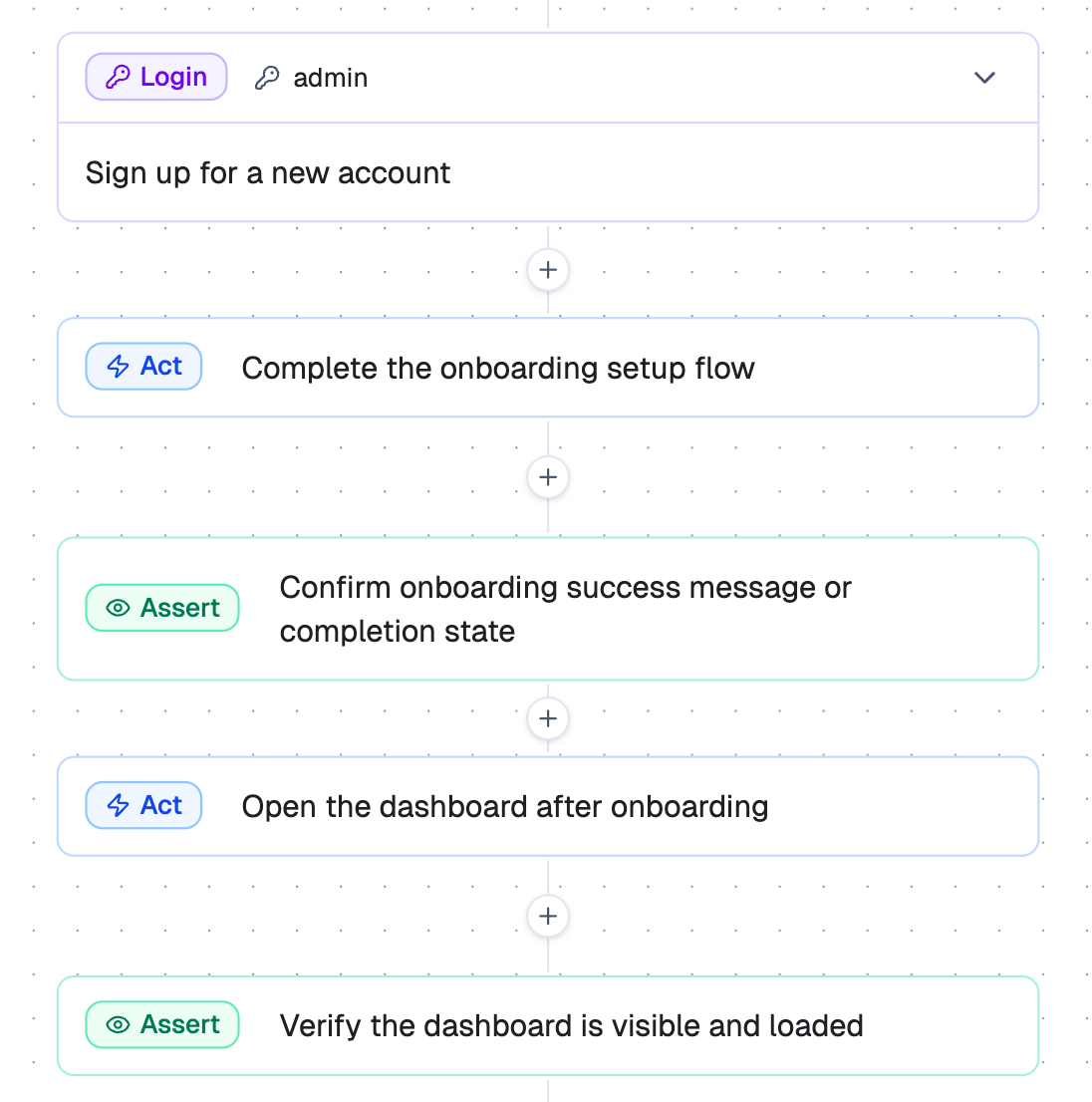
Next steps
Quick Start
Run your first test.
Testing Behind Auth
Set up credentials for authenticated testing.
TesterArmy CLI
Run tests from the command line.