

- With Agent
- Manual
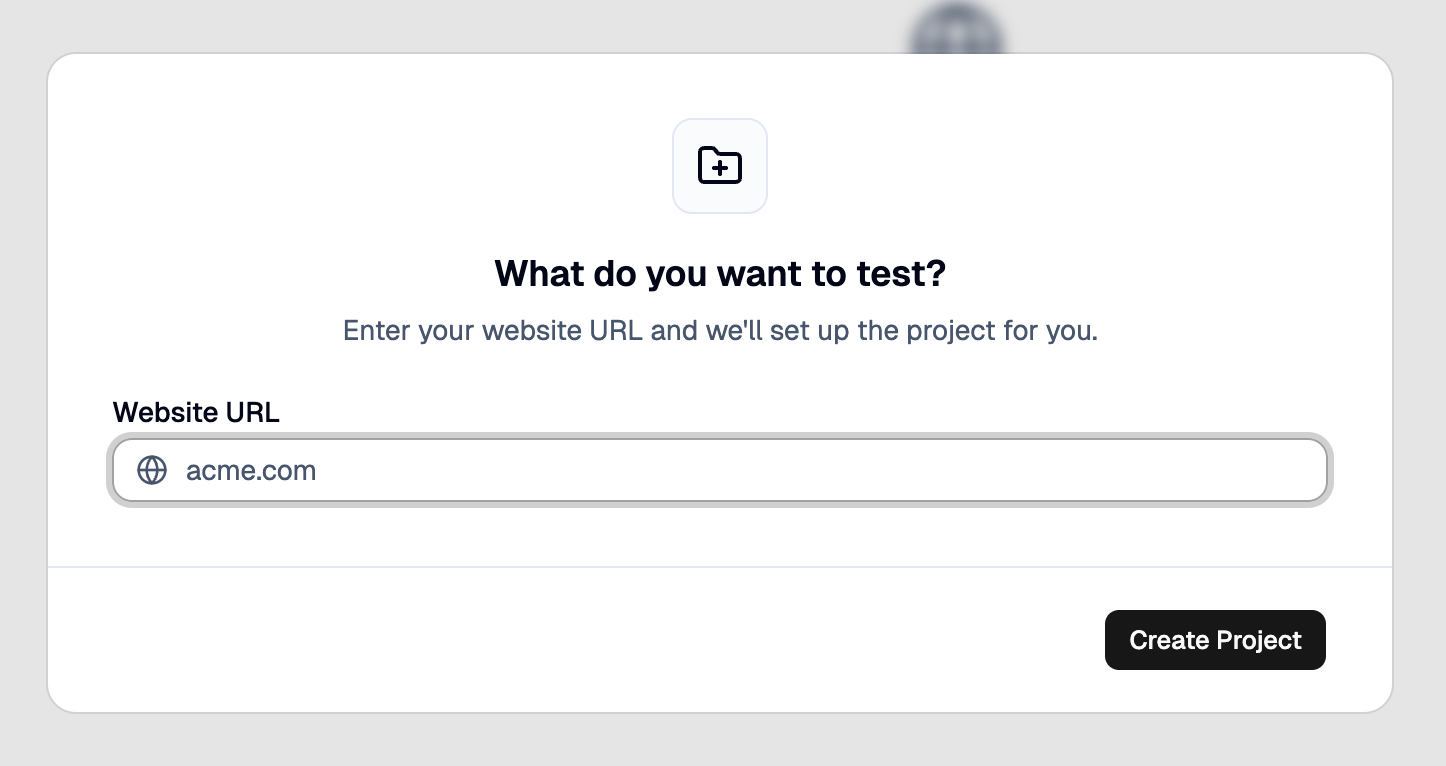
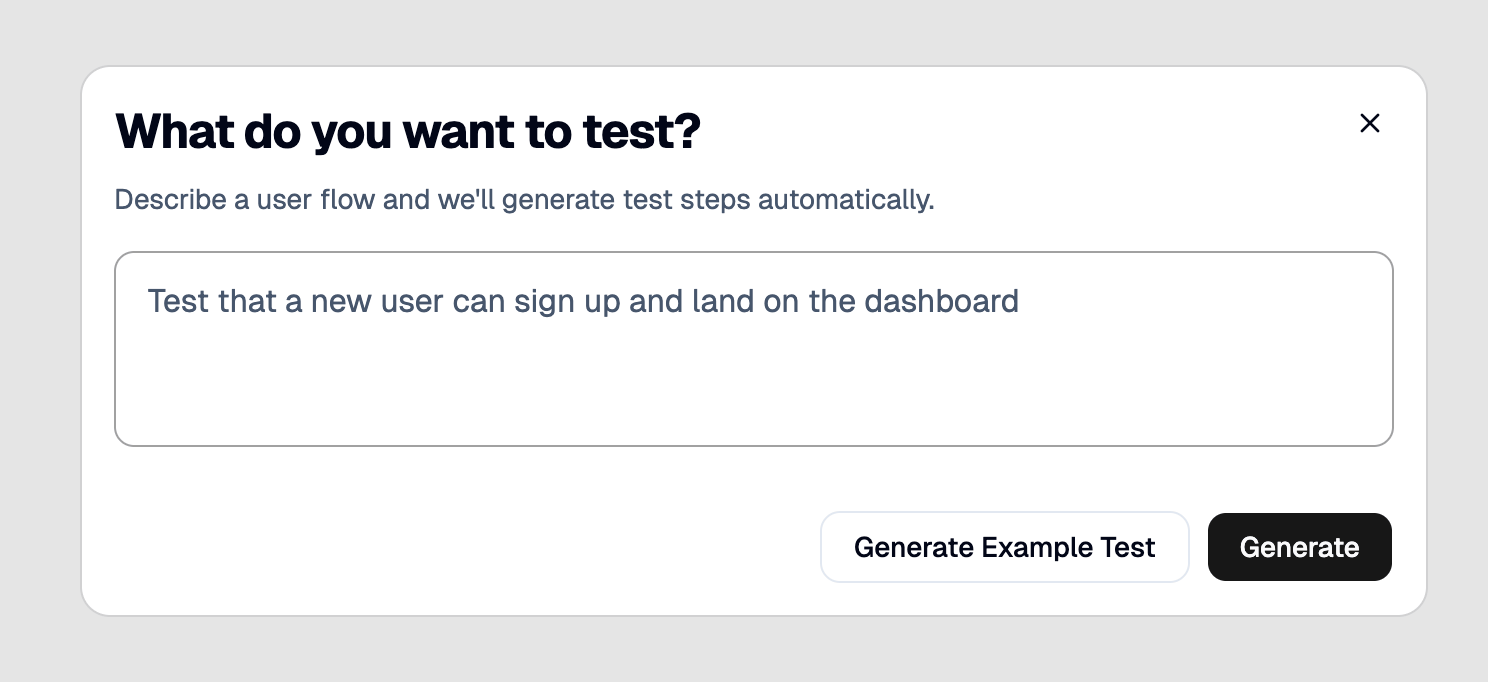
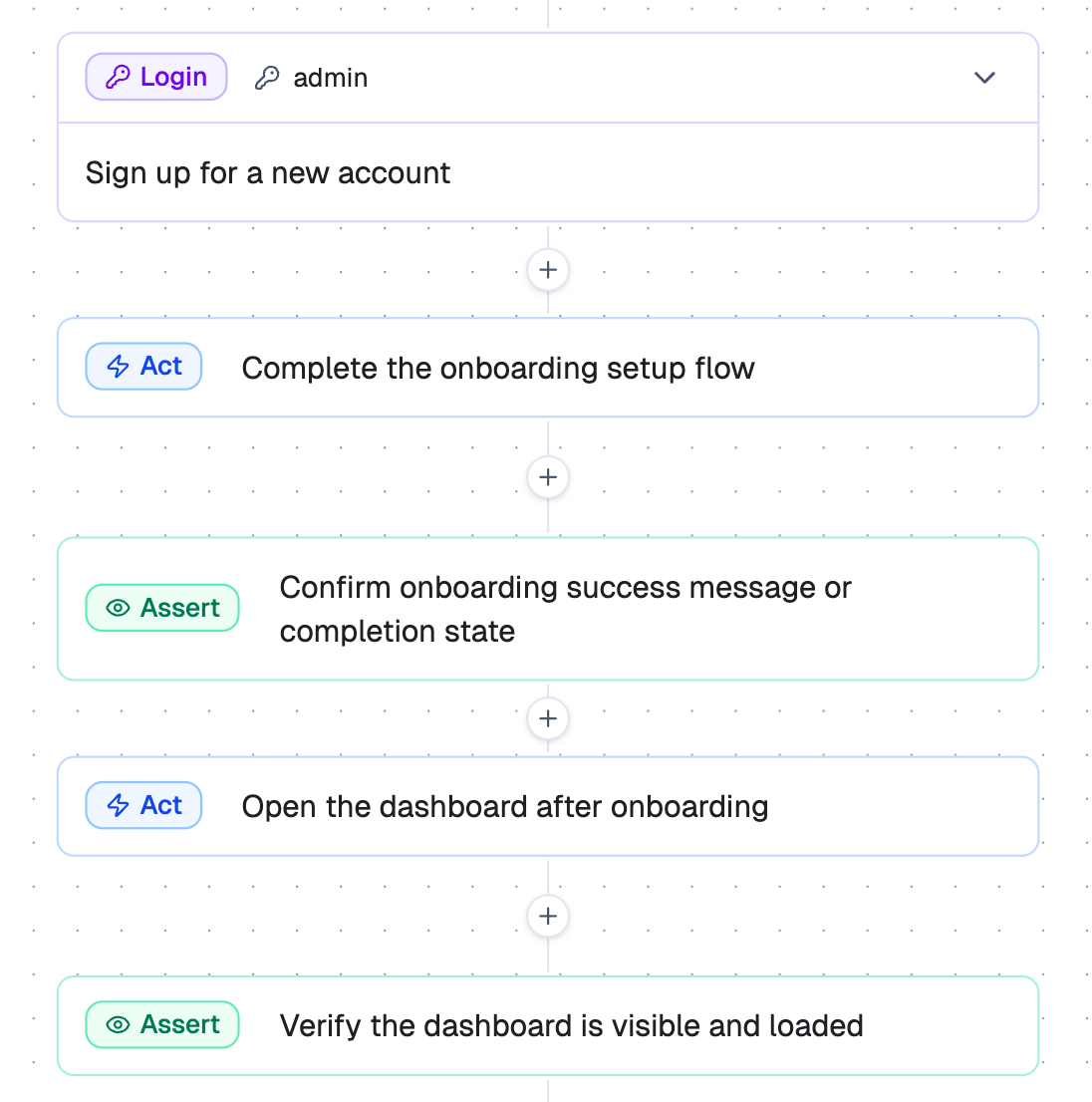
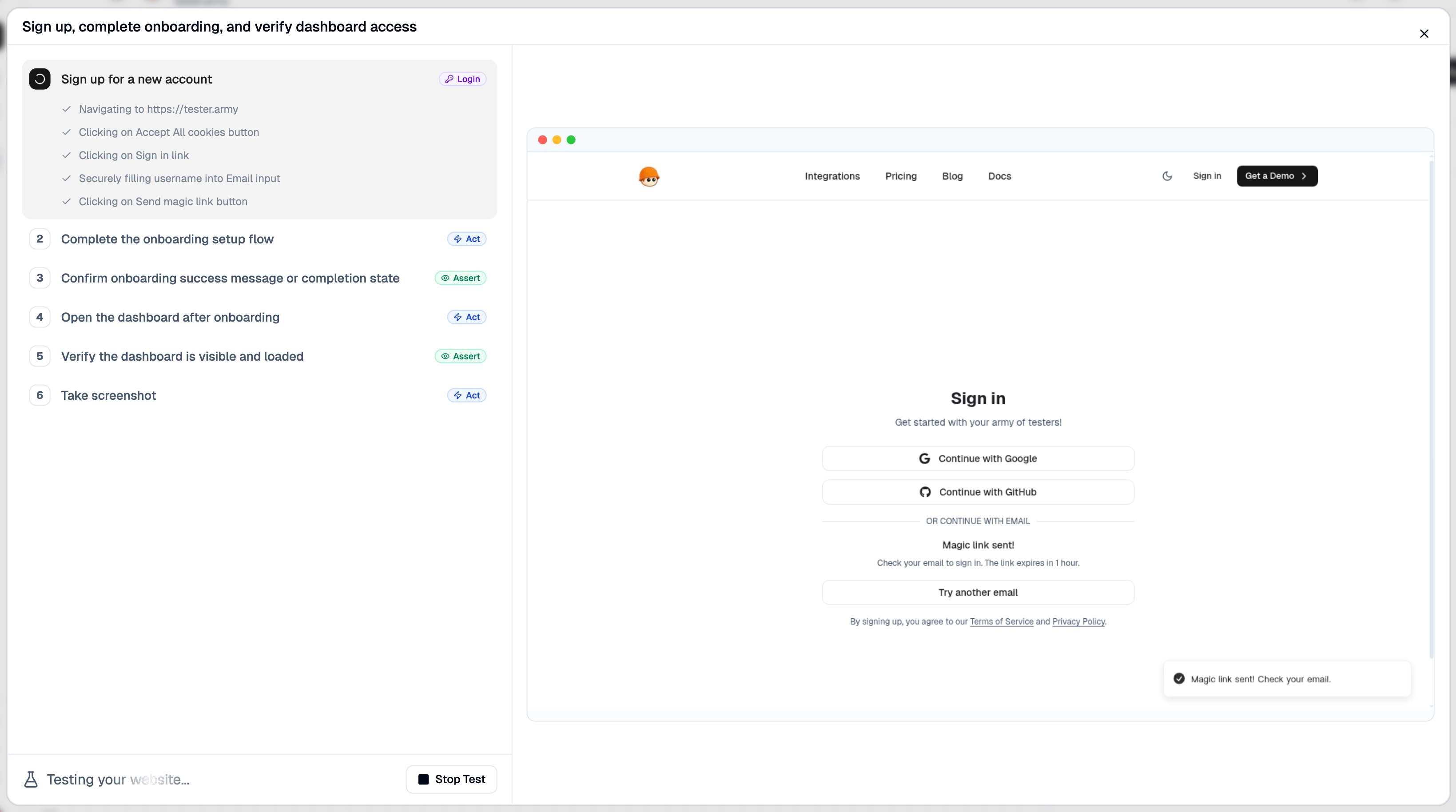
Let your coding agent set up TesterArmy for you using the CLI.Generate a key in the API Keys dashboard and paste it when prompted. The CLI stores it locally for future commands.The agent will create the project, draft tests, and execute them - without you leaving your editor. See Agentic Usage for the full workflow.
1. Create an account
Sign up at tester.army.2. Install and authenticate the CLI
3. Prompt your agent
Next steps
PR Testing
Automatically test every pull request on deploy.
Production Monitoring
Monitor your production with recurring test runs.