

Setup
- Go to Integrations → Site Protection.
- Click Set up on the HTTP Basic Auth card.
- Enter the username and password.
- Click Save.
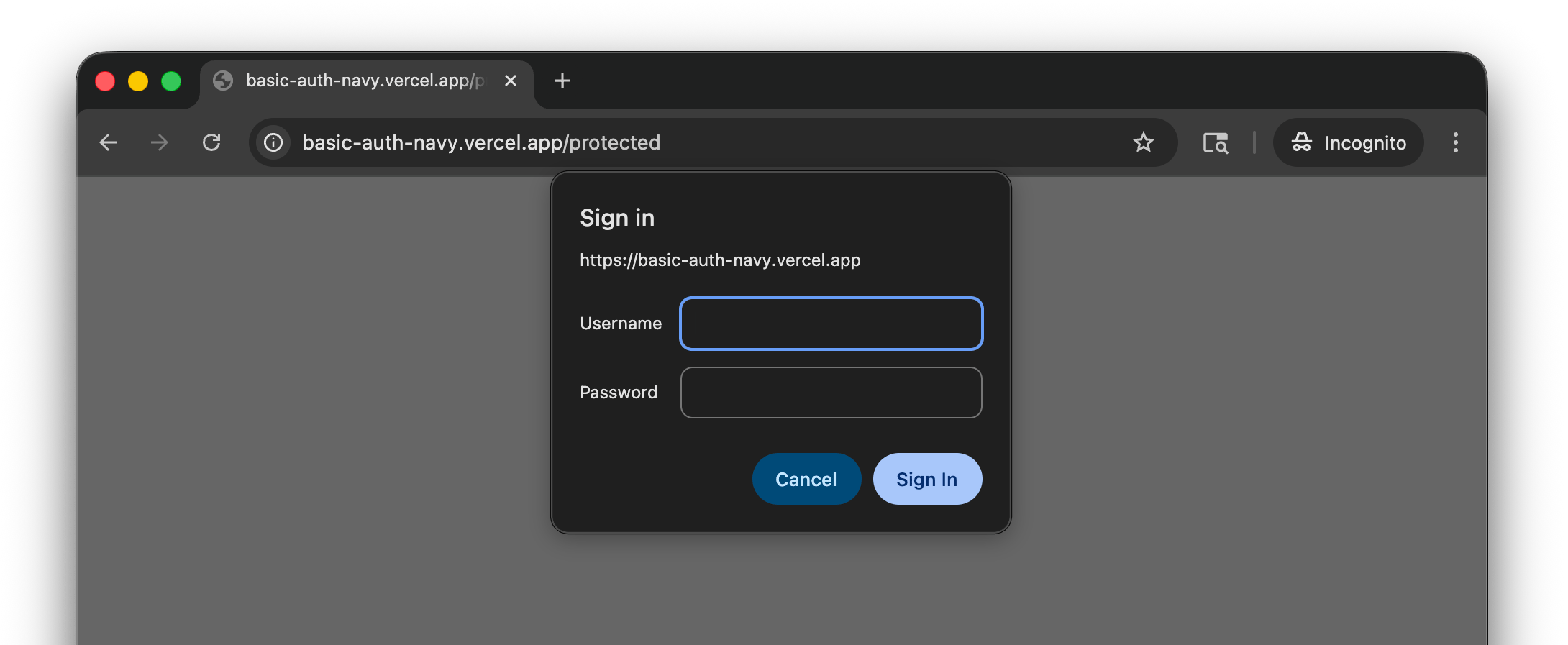
Save HTTP Basic Auth credentials so the TesterArmy agent can access protected staging and preview sites during test runs.
401 Unauthorized