

How it plans and executes
For every PR the agent works in two phases:- Plan - it reads the PR, decides what is worth testing, and writes an ordered list of steps tailored to that change.
- Execute - it runs those steps in a real browser or mobile simulator and reports the result, just like a saved test.
- PR title and description - understands intent.
- Changed files - focuses on affected areas when the project has a connected GitHub repository. With a connection it can read the actual diffs, not just file names.
- Application context - project memory, test accounts, uploaded files.
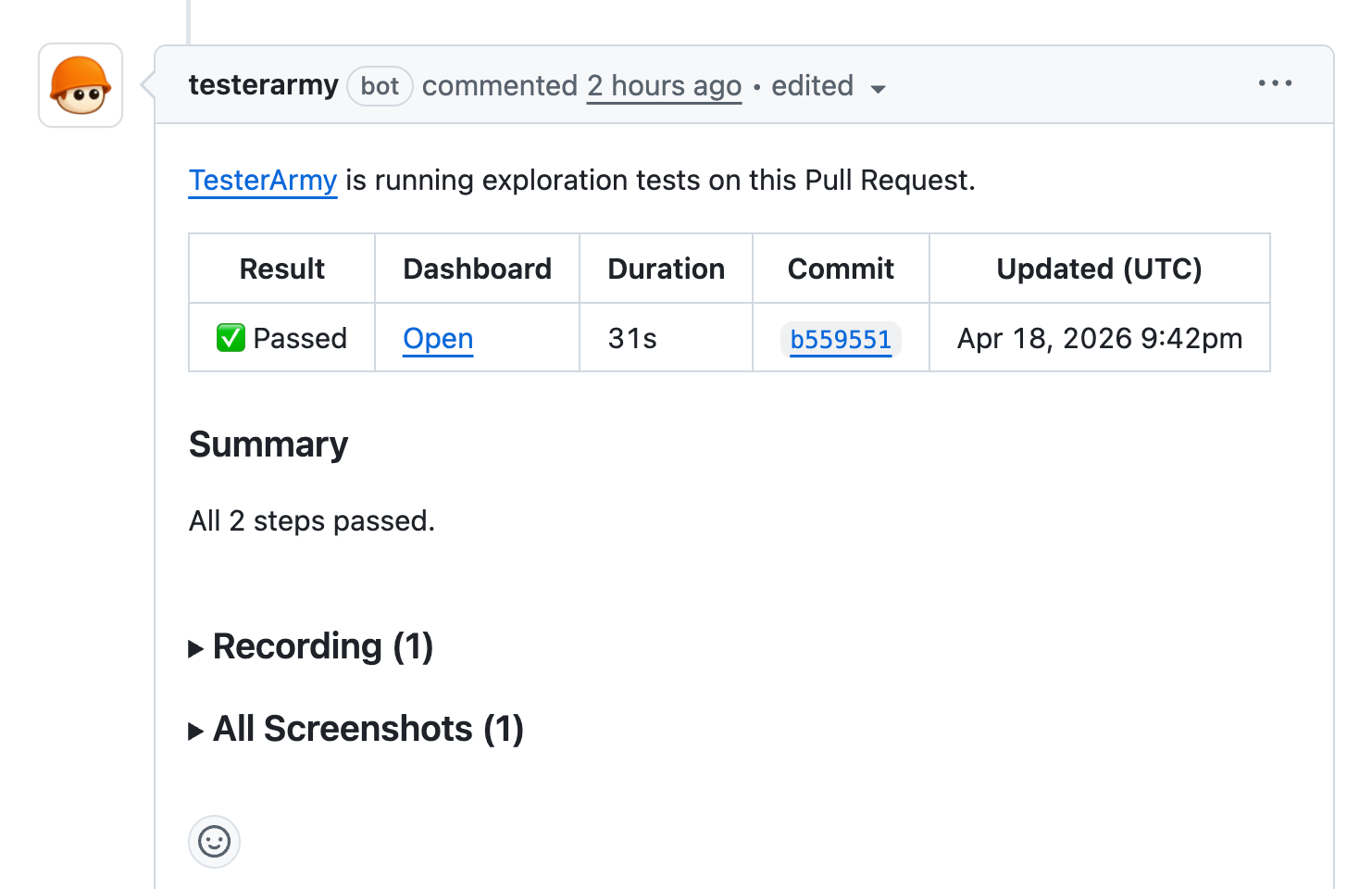
completed/total counts and per-step results as the run finishes.
Before any test executes, a skip judge reviews the PR’s actual diffs. If it decides the PR has no user-visible effect to test (for example, a docs-only or config-only change), the run is skipped and the PR check reports a neutral “Tests skipped” status with the reason, instead of a pass or fail. The run is recorded as cancelled with that reason, and the CLI and GitHub Action report it as skipped and exit 0. Once the judge decides to test, the run always executes. On mobile projects the judge decides per platform, so an iOS-only change still tests on iOS while the Android run is skipped.
Planner instructions
The exploration agent is zero-config by default, but you can steer it with free-form instructions. In your project’s PR Testing tab, under the exploration agent, add Planner instructions (up to 2000 characters). These are injected into the planner before it writes the test plan, so you can focus or constrain what it does - for example:- “Skip testing documentation pages.”
- “Always sign in with the demo account first.”
- “Don’t test the marketing site, only the app under /dashboard.”
- “Pay extra attention to checkout and payment flows.”
Setup
For Vercel previews, connect GitHub, connect Vercel, and select the Vercel project that should be allowed to trigger tests. Add a bypass token only if previews are protected. No step authoring is required.Remote CI and GitHub Enterprise
If your repository is on GitHub Enterprise or another CI system that cannot use the TesterArmy GitHub App webhook, trigger the exploration agent directly:Mobile apps
Mobile projects have no preview URL, so CI triggers the exploration agent against an uploaded build instead. Usemode: dynamic_agent in the GitHub Action, the exploration agent job in the Expo EAS workflow, or testerarmy pr run-dynamic on any other CI provider.